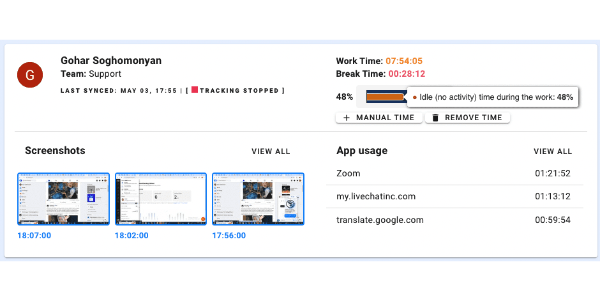
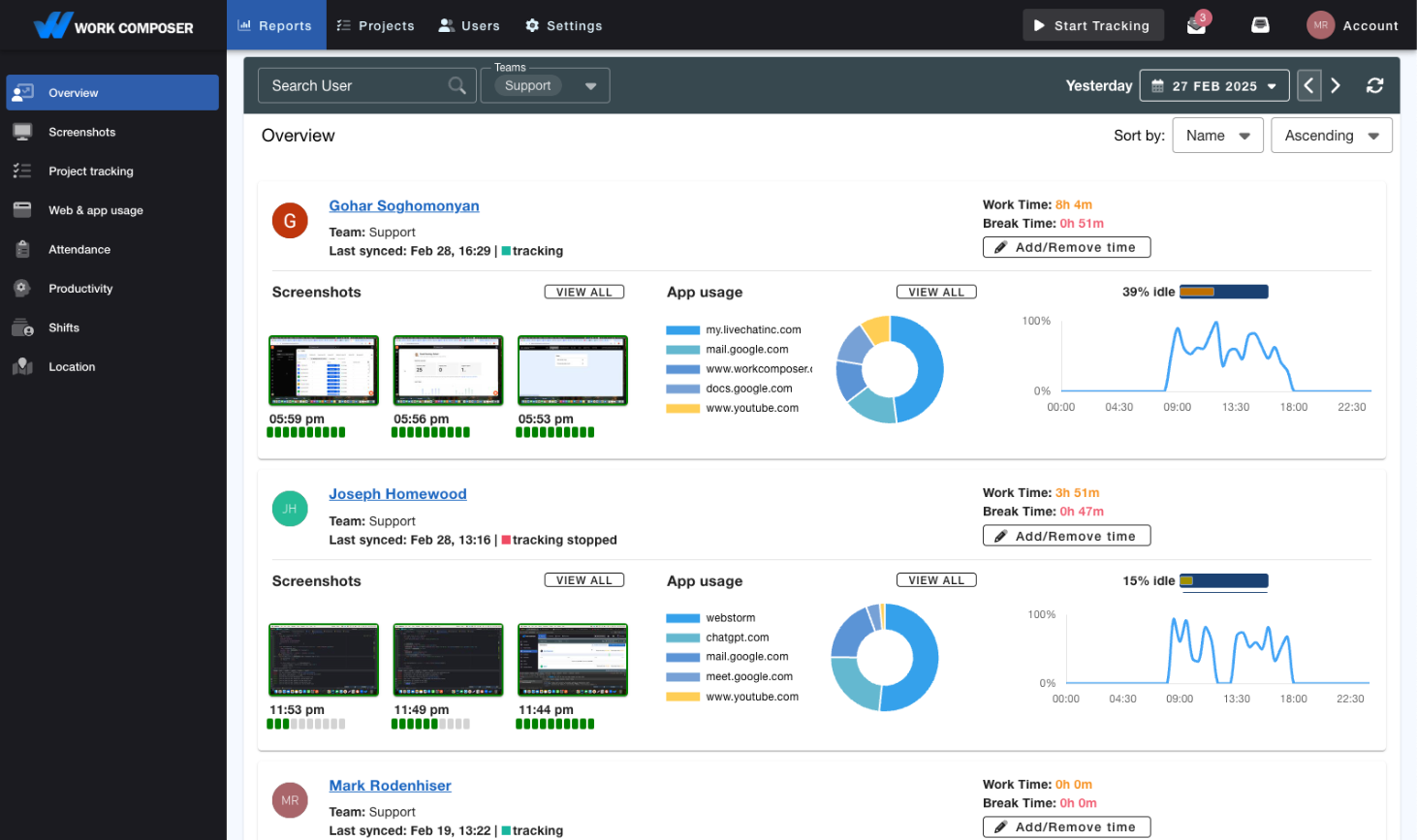
View real-time screenshots
Optional Screenshots
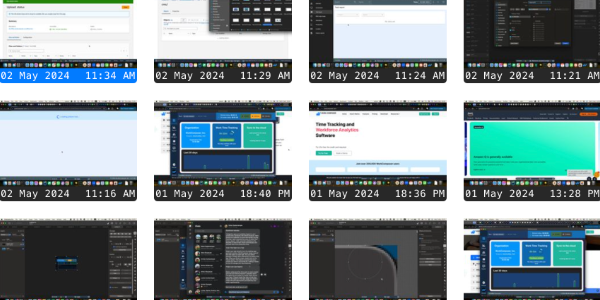
Choose who gets monitored - activate screenshots for everyone or select individuals on your team. Review screenshots for improvements in your workflow.
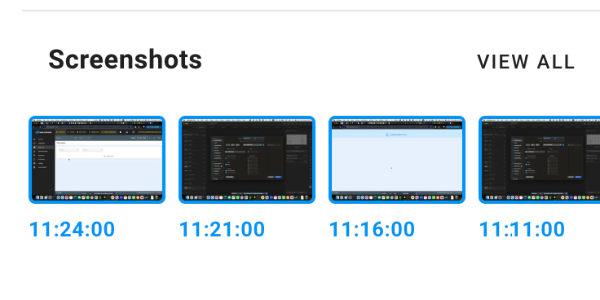
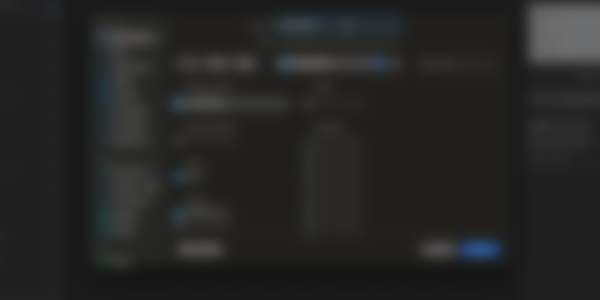
Blur for Privacy
Maintain a balance between oversight and privacy with blurred screenshots. See the big picture without the small details. Review work progress while protecting employee privacy.
Custom Intervals
Set screenshot intervals to suit your team’s needs, from as frequently as every 3 minutes for a more relaxed schedule to randomness. You can turn off the screenshot taking feature whenever necessary.
Enterprise-Grade Encryption
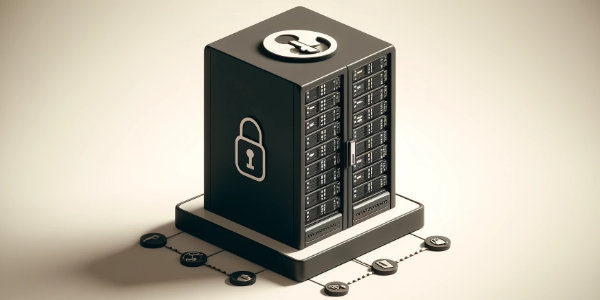
All screenshots are automatically encrypted using AES-256 encryption before storage and securely decrypted only when you view them. Your visual data is encrypted with AES-256 at rest and protected by TLS in transit, whether stored on our infrastructure or your own external storage.
External Screenshot Storage
Enterprise feature: Store screenshots in your own AWS S3 or SFTP infrastructure for complete data sovereignty. Support GDPR and HIPAA-compliant workflows while maintaining full control over your data. Available on Premium and Enterprise plans.