WorkComposer for Jira
Connect WorkComposer to Jira with secure OAuth and keep time and issues in sync both ways. Import your Jira issues as tasks, sync tracked time back to Jira worklogs automatically, and let webhooks keep everything current in real time.
Per-workspace connection · Secure OAuth 2.0 · Worklogs sync automatically every 15 minutes
Two-way sync
Time and issues, kept in sync both ways
WorkComposer maps your Jira issues to tracked tasks and pushes the hours back as worklogs — so the time your team records shows up where your projects live.
- Import Jira issues
Bring your Jira issues into WorkComposer as tasks so your team can track time directly against the work you already plan in Jira.
- Sync time to worklogs
Time tracked in WorkComposer is pushed back to the matching Jira issue as a worklog automatically — every 15 minutes, no manual entry.
- Live webhook updates
When issues change in Jira, webhooks keep the linked WorkComposer tasks up to date in real time — no waiting for a scheduled refresh.
- Secure per-workspace OAuth
Each workspace connects through Atlassian OAuth 2.0. Credentials are encrypted at rest and scoped to your organization.
- Evidence on top of hours
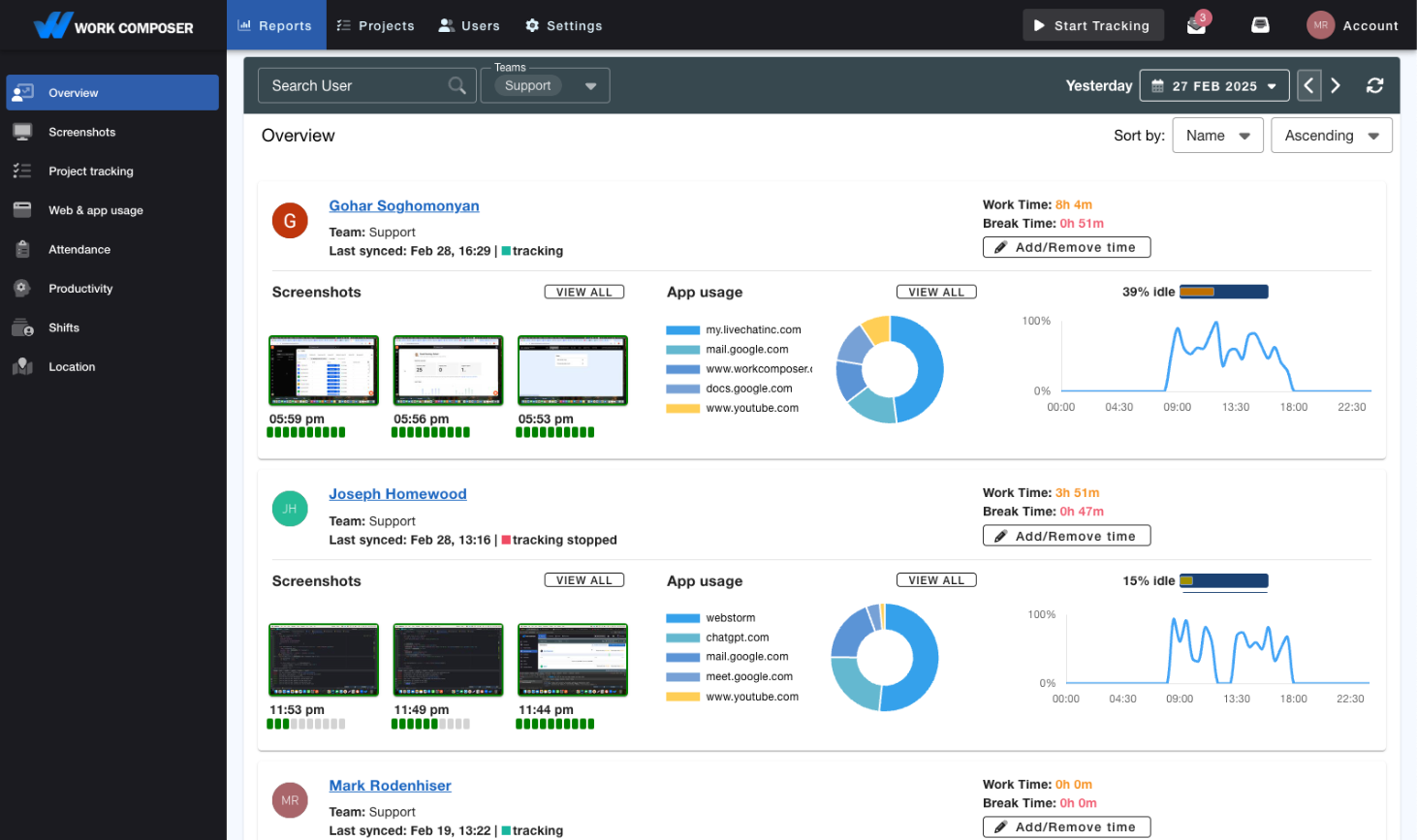
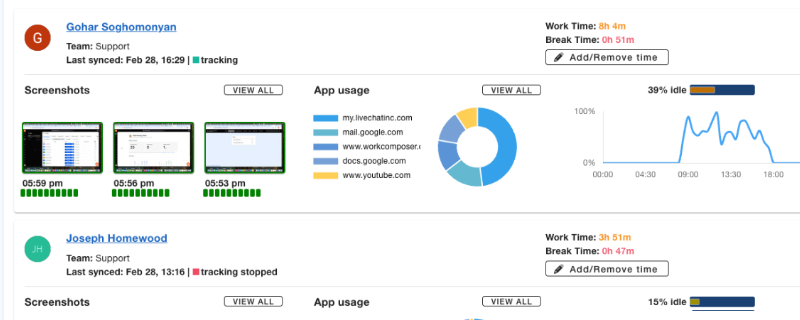
Add optional AES-256-encrypted screenshots and application/website activity so the hours behind each issue come with context.
- Productivity & idle reports
Turn the synced time into exportable reports — hours per project, activity scores, and idle-time breakdowns — alongside your Jira work.
See where engineering time actually goes
Because time flows automatically from WorkComposer into Jira worklogs, you get an accurate, historical record of hours per issue and project — without asking anyone to fill in a timesheet. Layer on optional screenshots and app/website activity for the full picture.
- Actual hours per Jira issue, built automatically from tracked time.
- Every Jira worklog reflects real tracked work — no manual timesheets or guesswork.
- Optional AES-256-encrypted screenshots and app/website activity.
Setup
How to connect
The Jira connection is set up once per workspace from your WorkComposer settings.
- 1
Open your WorkComposer integration settings
Sign in to WorkComposer and go to Settings → Integrations → Jira. If you don't have an account yet, start a free trial first.
- 2
Authorize with Atlassian
Click Connect Jira and approve access through Atlassian's secure OAuth screen. The connection is scoped to your workspace.
- 3
Map your projects
Choose which Jira projects to sync. WorkComposer imports the issues as tasks so your team can track time against them.
- 4
Time flows both ways
Tracked time syncs to Jira worklogs automatically every 15 minutes, and webhooks keep issues current — no manual timesheets.
Privacy & security
WorkComposer connects to Jira through Atlassian's OAuth 2.0. Connection credentials are encrypted at rest and scoped to your workspace, and disconnecting removes them. Read the full privacy policy.
Support
Questions about the Jira integration? Reach the WorkComposer team at support@workcomposer.com or through our contact page.
New to WorkComposer? Time tracking starts at $3.99/user/month — see plans and pricing or start a free 7-day trial.
Ready to transform your team's productivity?
Join teams tracking time smarter. Start your free trial today—no credit card required.
- Setup guides available
- Full access to all features
- Cancel anytime, no questions asked
- Dedicated support to get you started